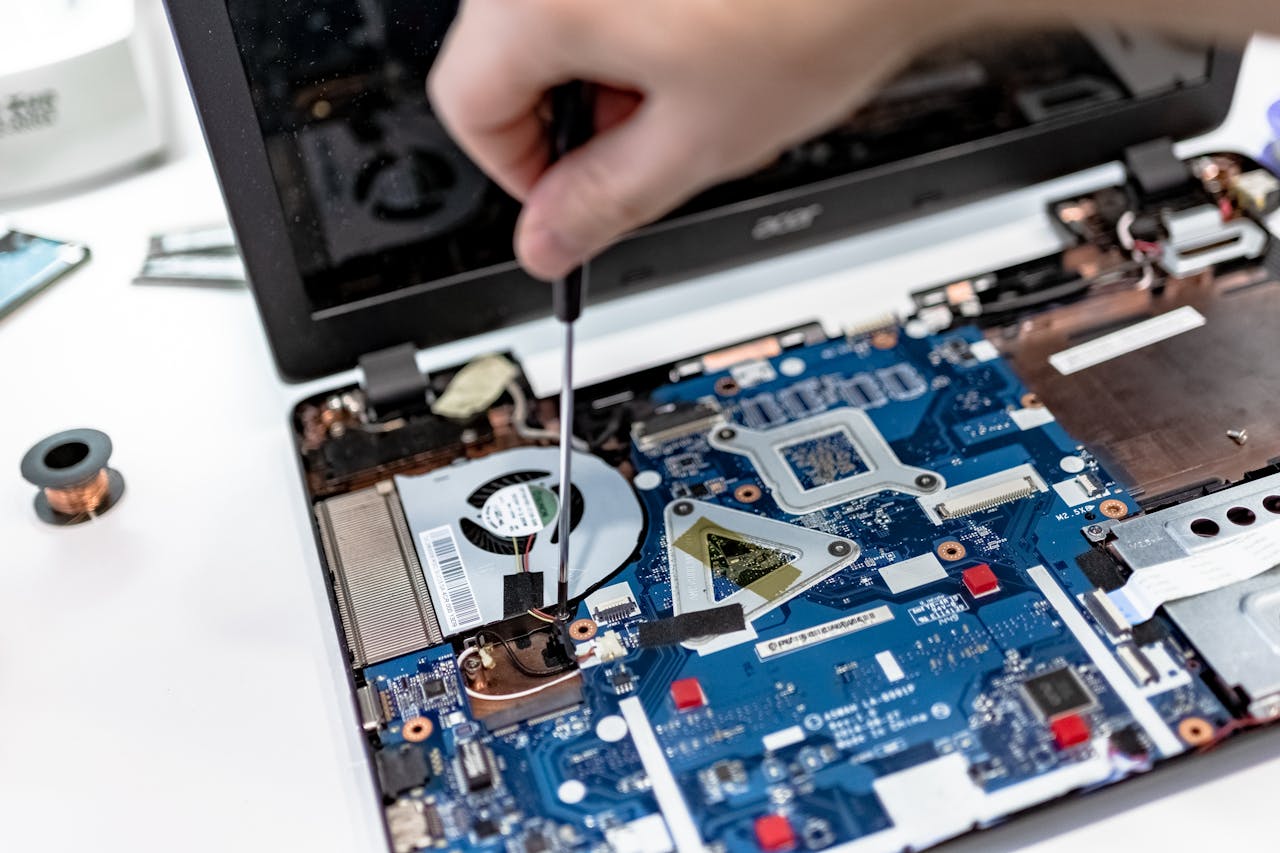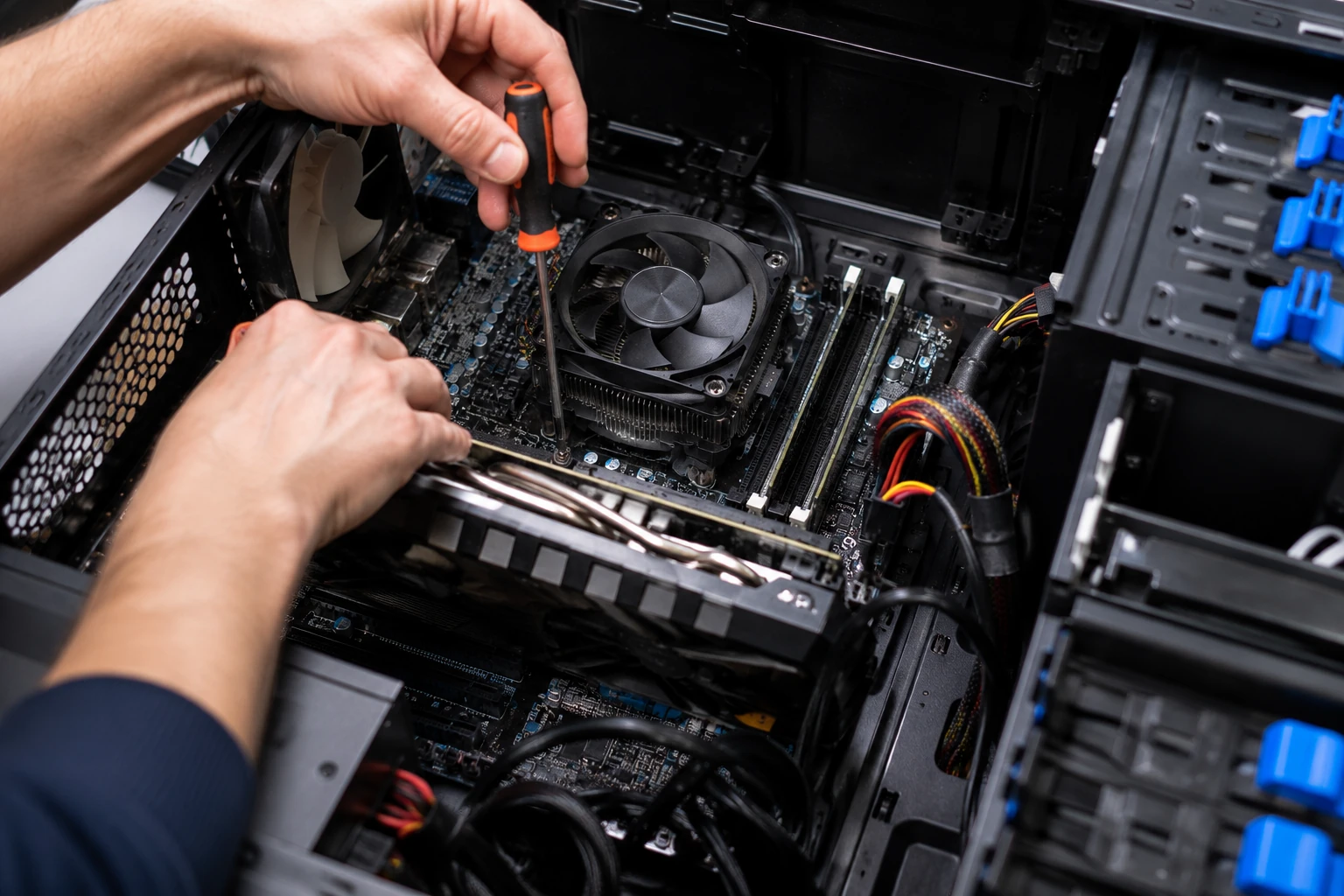
A computer making strange noises can be easy to ignore at first. A faint buzz becomes a little louder. A fan starts running more often. Or a clicking sound appears every time you switch the computer on. The problem is that unusual noises can be one of the first signs that something inside your PC needs attention.
Some computer sounds are completely normal. Fans spin, traditional hard drives move and components can become louder when the computer is working hard. But a new, persistent or worsening noise is different. It can point towards a cooling problem, worn fan, failing hard drive, loose component or another hardware fault.
If you have a computer making strange noises, identifying the type of sound and when it happens can give you useful clues. It can also help you decide whether the problem can be checked safely or whether you should arrange Computer repair Coalville before a relatively small problem becomes more serious.
Why Has My Computer Suddenly Started Making Strange Noises?
Computers normally make some noise. Cooling fans turn on and off as temperatures change. A mechanical hard drive may produce a gentle whirring sound while it reads or writes information. You may also hear a brief increase in fan speed when Windows is installing updates, carrying out a virus scan or running demanding software.
What matters is whether the sound has changed. If your previously quiet computer suddenly starts clicking, grinding, buzzing, rattling or running its fans at full speed for long periods, something has changed inside the machine.
A computer making strange noises may simply need cleaning, particularly if dust has built up around the cooling system. But the sound can also come from a fan beginning to fail, a cable touching a moving fan, a mechanical hard drive developing a fault or a component vibrating because it has become loose.
Pay attention to what the computer is doing when the noise appears. Does it start immediately when you press the power button? Does it become louder after the computer has been running for twenty minutes? Does it only happen when you open several programs? These details can make computer troubleshooting much easier.
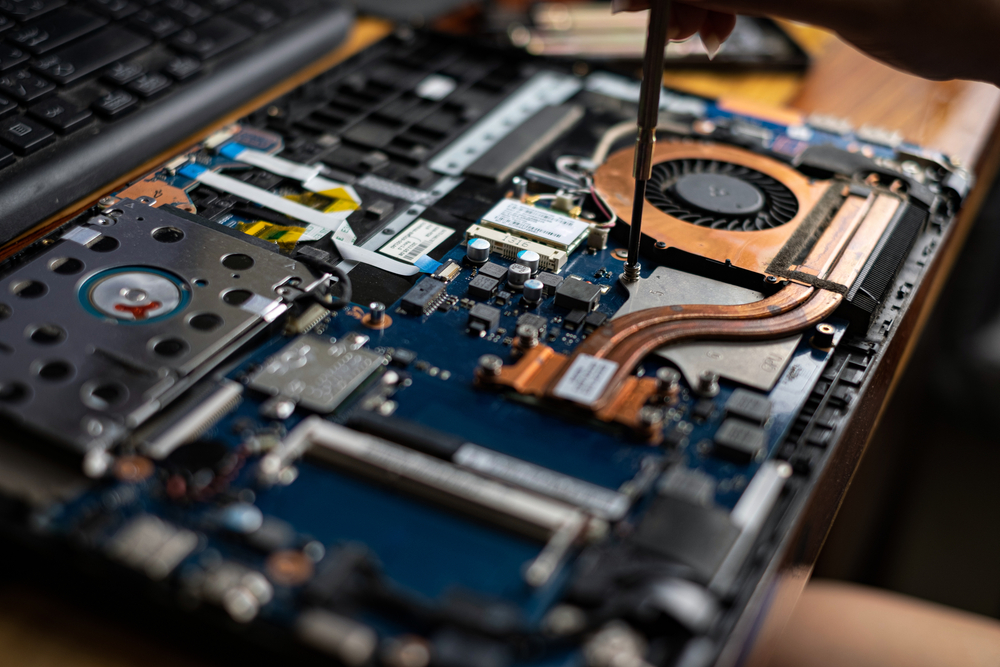
What Different Computer Noises Can Tell You
The type of sound often provides the biggest clue. A click does not normally have the same cause as a loud fan, and a grinding noise deserves more immediate attention than an occasional gentle hum.
Seagate explains that hard drives can make normal operational sounds, while repeated hard clicking, grinding or scratching can indicate a physical problem.
If you have a desktop or laptop with a traditional mechanical hard drive, listen carefully to where the sound appears to originate. Solid-state drives have no moving parts, so an SSD itself should not be responsible for clicking or grinding. The noise may instead be coming from a cooling fan, power supply or another moving component.
It is also worth remembering that noises can travel through a computer case. What sounds like a hard drive problem may actually be a nearby fan. Good computer diagnostics involves identifying the source rather than replacing parts simply because a particular noise sounds familiar.
If you are unsure where a computer making strange noises is coming from, a PC repair Coalville assessment can help identify the component before unnecessary parts are replaced.
Computer Making Clicking, Ticking or Repeating Clunking Noises
A clicking sound deserves particular attention when it is new, repetitive or accompanied by other problems. Traditional hard disk drives contain moving parts. Some quiet movement during normal operation is expected, but repeated clicking or clunking can indicate that the drive is struggling.
This becomes more concerning if the computer is also taking longer to start, files are disappearing, Windows freezes when opening folders or the drive occasionally stops being recognised.
If your computer making strange noises includes repeated hard-drive clicking, avoid repeatedly restarting it just to see whether the problem disappears. Continued use of a mechanically damaged drive can make eventual computer data recovery more difficult.
If the computer still works and your important files are accessible, make sure they are backed up before carrying out further troubleshooting. If there is valuable data that exists nowhere else and the drive is grinding or repeatedly clunking, switching the machine off and getting professional advice may be safer than experimenting.
This is particularly important for a business computer containing customer documents, accounts, photographs or other files that would be difficult to replace. Laptop repair Coalville can include computer diagnostics to establish whether the noise is actually coming from the storage drive or another component.
Why Is My Computer Making a Grinding or Rattling Noise?
Grinding and rattling sounds should not normally be ignored. One common cause is a cooling fan. Fan bearings can wear with age, accumulated dust can affect movement, or a cable can move far enough to catch the spinning fan blades.
You might notice the sound changing as the fan speed rises and falls. Sometimes the noise appears for a few seconds during startup and then disappears. In other cases it becomes steadily louder as the computer warms up.
A grinding sound from a mechanical hard drive is more serious. If the sound appears to come from the drive and the machine also freezes, struggles to start or cannot access files, stop unnecessary use. This is not the time to run repeated repair programs or attempt major Windows repairs without first considering the condition of the drive.
A desktop computer can also rattle when a panel, screw or internal fitting has become loose. Even something resting against the computer case can exaggerate vibration and make a relatively normal fan sound much worse.
With a computer making strange noises, the safest approach is to establish where the noise originates before deciding what to do next. If opening a computer and identifying components is outside your experience, Computer repairs in Coalville can check the machine without relying on trial and error.

What Does a Loud Buzzing or Humming Computer Mean?
Buzzing and humming sounds can have several causes. Fans are again one possibility, particularly if dust has collected inside the computer. A fan working harder than normal can produce a noticeable hum that becomes louder as temperatures increase.
A vibration can also travel through the computer case and create a buzzing sound. This may come from a mechanical hard drive, cooling fan or loose fitting. On desktop PCs, the power supply contains its own cooling fan and can therefore also be a source of unusual noise.
If a buzzing sound seems electrical rather than mechanical, do not dismantle the power supply. Power supplies contain components that should not be opened by an inexperienced user, even when the computer has been unplugged.
A computer making strange noises alongside random shutdowns, Windows crashes or difficulty starting needs more than a quick clean. Those symptoms can indicate a broader computer hardware problem that requires proper diagnosis.
The same applies if your laptop has begun buzzing and is also becoming unusually hot. Laptop repair often requires checking the cooling system, vents and internal fan because the compact design leaves less room for heat to escape. A Local computer repair in Coalville service can determine whether cleaning, repair or component replacement is appropriate.

Why Has My Computer Fan Suddenly Become Very Loud?
A loud fan does not automatically mean that the fan itself is faulty. Cooling fans speed up when the computer becomes hotter. If Windows is carrying out an update, a virus scan is running or several demanding programs are open at once, additional fan noise can be normal.
The concern is when the fan remains unusually loud during light use. Dust can restrict airflow through the vents and heatsinks. A background program may also be using a large amount of processor power, forcing the system to run hotter than necessary.
Computer maintenance can often prevent these problems. Keeping vents clear, allowing space around a desktop computer and avoiding using a laptop on soft surfaces can all help airflow. Internal cleaning needs more care because fans and other components can be damaged if handled incorrectly.
If you have a computer making strange noises and the fan seems to run at maximum speed almost constantly, the cooling system should be checked. Overheating can reduce performance and cause the computer to slow down, freeze, crash or shut itself off unexpectedly.
This is sometimes mistaken for a Windows problem because the visible symptom is a slow computer or repeated crashing. Computer diagnostics can separate a software problem from a temperature or hardware issue. For persistent problems, Computer repair Coalville can check cooling, performance and the condition of the internal hardware.
When Should You Stop Using a Noisy Computer?
Not every unusual sound means the computer is about to fail. But there are situations where carrying on as normal is an unnecessary risk.
If the noise is harsh, suddenly much louder than before or accompanied by a burning smell, smoke or repeated shutdowns, turn the computer off. The same applies to serious grinding or repeated hard clicking from the area of a mechanical hard drive, particularly when important files are stored on it.
You should also take action if a computer making strange noises is becoming increasingly unstable. Warning signs include Windows repeatedly crashing, the computer freezing, startup becoming unreliable, files becoming inaccessible or the machine becoming extremely hot.
Do not assume that replacing the computer is automatically necessary. Many faults can be repaired. A noisy fan may only need replacing. A slow computer may benefit from maintenance or a hardware upgrade. A failing hard drive can sometimes be replaced with a faster SSD, although protecting or recovering the existing data must come first.
The sensible decision depends on the age of the computer, the fault, the value of the machine and what you use it for. A proper Computer repair Coalville diagnosis can help you decide whether repair, an upgrade or replacement makes better financial sense.
Computer Making Strange Noises: Frequently Asked Questions
Why is my computer making a strange noise?
A computer making strange noises may have a dusty or worn cooling fan, loose component, failing mechanical hard drive or another hardware problem. First note whether the sound is clicking, buzzing, grinding or unusually loud. If the noise is new, persistent or accompanied by freezing, overheating or Windows problems, professional computer diagnostics are sensible.
Why is my computer making a clicking noise?
A quiet occasional click from a mechanical hard drive can occur during normal use, but repeated loud clicking can indicate a drive problem. If files are becoming inaccessible, Windows is freezing or the computer will not start reliably, back up accessible data where possible. Avoid repeated restarts if the drive sounds mechanically damaged and consider professional PC repair or data recovery.
Why is my computer fan suddenly so loud?
A computer fan may become loud because the processor is working hard, airflow is restricted or dust has accumulated inside the machine. Check whether demanding programs are running and make sure external vents are clear. If the fan remains extremely loud during normal use, laptop repair or PC repair may be needed to inspect the cooling system.
Can dust make a computer noisy?
Yes. Dust can restrict airflow and collect around fans and heatsinks, making the cooling system work harder. It can also contribute to fan noise and higher temperatures. External vents can be kept clear safely, but internal computer maintenance requires care. If the machine is overheating, freezing or running slowly as well, a professional clean and diagnosis may help.
Should I turn off my computer if it is making a grinding noise?
If a computer making strange noises produces a harsh grinding sound, particularly from a mechanical hard drive, switching it off can prevent further damage. Grinding from a fan may also indicate a failing bearing or obstruction. If important files are involved, avoid unnecessary testing until the source is identified because data recovery can become harder after additional drive damage.
Can a noisy computer be repaired?
In many cases, yes. Computer repair may involve replacing a worn fan, cleaning the cooling system, securing a loose component or replacing a failing drive. If the computer is also slow, upgrades such as additional memory or an SSD may improve performance. The right repair depends on diagnosing the sound rather than simply replacing the part that seems most obvious.
Why is my laptop making a buzzing noise?
A buzzing laptop may have a fan problem, dust affecting the cooling system or vibration from an internal component. If the laptop is also running hot, slowing down, freezing or switching itself off, it needs checking. Laptop repair can determine whether the problem is cooling-related or whether another hardware or Windows problem is contributing to the symptoms.
Can a failing hard drive make strange noises?
Mechanical hard drives contain moving parts and can produce unusual clicking, grinding or repeated clunking when faults develop. Solid-state drives do not have moving parts. If a noisy hard drive is accompanied by missing files, freezing or startup problems, prioritise your data. Professional diagnosis may be needed before attempting repairs, upgrades or computer data recovery.
Why is my computer noisy and running slowly?
A computer making strange noises while running slowly may have an overheating problem, a cooling fan working continuously or a failing drive. Slow computers can also be caused by Windows problems, malware or insufficient hardware. Computer troubleshooting should check both performance and the physical noise so that software faults, virus removal requirements and hardware problems can be separated properly.
When should I take a noisy computer for repair?
Arrange computer repair when a noise is new, getting louder, persistent or accompanied by overheating, crashes, freezing, startup problems or inaccessible files. Repeated clicking and grinding deserve particular attention. Early diagnosis can sometimes prevent further damage and protect important data. A computer making strange noises does not always need replacing, but it should not simply be ignored.
Useful Guides
Slow Computer? 7 Common Reasons Your PC Is Running Slowly
Computer Not Connecting to Internet? Common Causes
Computer Keeps Freezing? Why It Happens and What to Do
Computer Won’t Turn On? What Could Be Causing the Problem?
Laptop Overheating? 6 Reasons It Gets Hot and Shuts Down
Computer Keeps Crashing? 7 Problems That Could Be Causing It
Computer Running Out of Storage? What’s Taking Up All the Space?