When your computer keeps crashing, it can quickly become more than an irritation. Work disappears, programmes close without warning, and you start wondering whether the next crash will be the one that stops the computer starting altogether.
The difficult part is that repeated crashes do not point to one single fault. The cause could be Windows, a software conflict, overheating, failing memory, storage problems, malware or another piece of hardware beginning to fail.
If your computer keeps crashing, the way it behaves before and during the crash can give useful clues. A computer that freezes under heavy use may have a different problem from one that suddenly restarts while sitting idle.
This guide explains seven common problems, what you can safely check yourself, and when proper computer diagnostics or Computer repair Coalville may be the sensible next step.
Why Does My Computer Keep Crashing?
A crash is really a symptom rather than a diagnosis. Windows may freeze completely, display an error screen, restart without warning or shut down. Individual programmes can also crash while the rest of the computer continues working normally.
The pattern matters. If your computer keeps crashing only when you open a particular programme, software is an obvious place to investigate. If the entire PC becomes unstable regardless of what you are doing, hardware, Windows, drivers, heat or power problems become more likely.
Try to remember when the problem began. Did Windows update? Was new software installed? Did you add a printer, graphics card, memory or another device? Has the computer recently become hotter, noisier or noticeably slower?
Those details help narrow the problem down. Good computer troubleshooting is not about changing ten things at once. It is about finding evidence, ruling possibilities out and identifying the real cause before replacing parts unnecessarily.
Software And Windows Problems Can Make A Computer Unstable
One of the first areas to consider is software. Windows depends on thousands of files, services and drivers working together. Damaged system files, troublesome updates or conflicting programmes can make an otherwise healthy computer unstable.
If the computer keeps crashing shortly after a Windows update, software installation or driver change, the timing may be important. Removing the recently installed programme or checking whether a newer driver is available can sometimes resolve the problem.
Which? also recommends checking operating-system updates and device drivers when investigating repeated computer crashes.
Windows error messages can also provide useful information. A blue or black error screen may display a stop code. Write it down or take a photograph before the computer restarts. The code does not always tell you exactly what has failed, but it can help narrow the investigation towards memory, drivers, hardware or Windows problems.
A computer that has become unstable after months or years of software changes may need more detailed Windows repair and computer diagnostics. If you are uncomfortable changing drivers or Windows settings yourself, Laptop repair Coalville can help diagnose the fault without guessing at replacement parts.
Overheating Can Cause Sudden Freezes And Shutdowns
Computers produce heat whenever they are working. Fans and heatsinks move that heat away from the processor, graphics hardware and other components. When cooling becomes less effective, temperatures can rise enough to cause instability or automatic shutdowns.
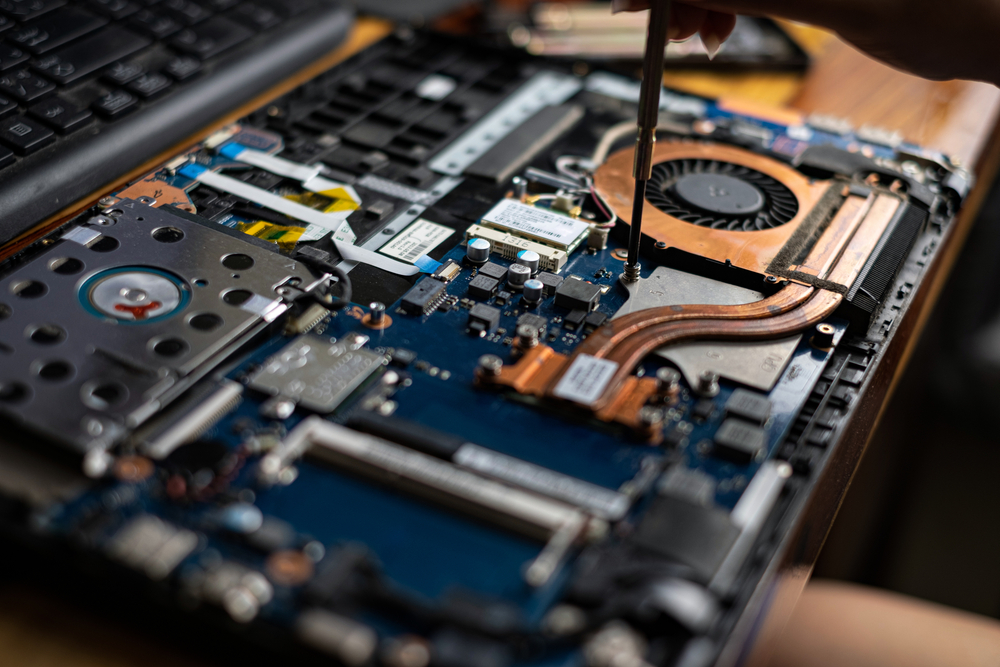
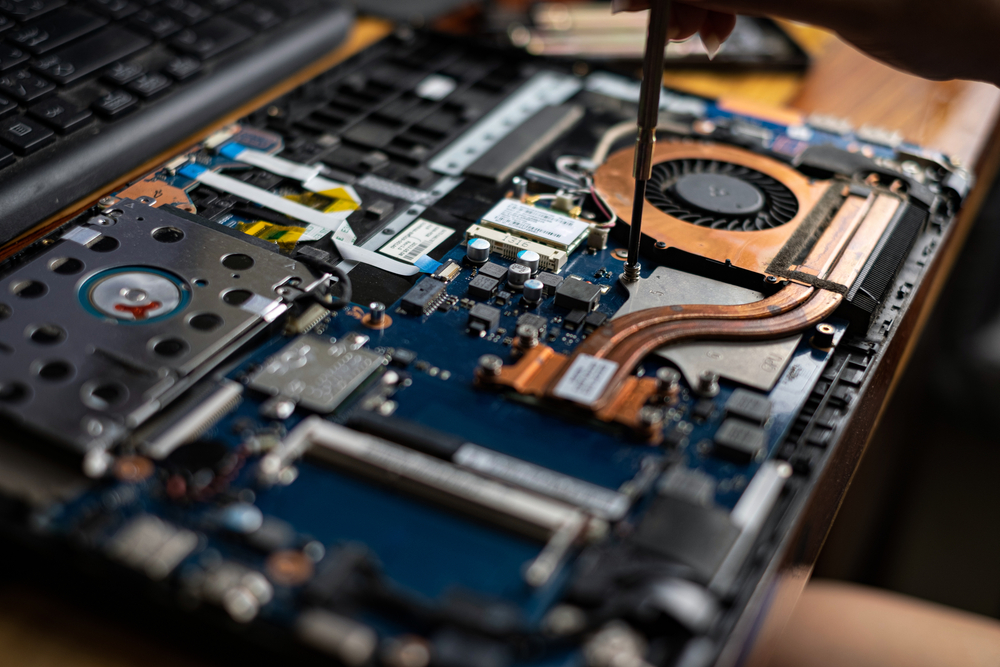
Dust is a common contributor, particularly in desktop PCs that have been running for several years. Dust can block vents, coat heatsinks and restrict airflow. Laptop cooling systems can also become clogged because their internal spaces and air passages are much smaller.
If your computer keeps crashing when gaming, editing video or doing another demanding task, but seems stable during light use, heat deserves attention. A fan constantly running at high speed, an unusually hot case or a laptop becoming extremely warm can strengthen that suspicion.
Do not repeatedly use a computer that is becoming excessively hot and shutting itself down. Continuing to force it through the same workload does not fix the cause. Cooling, fan operation and internal condition should be checked.
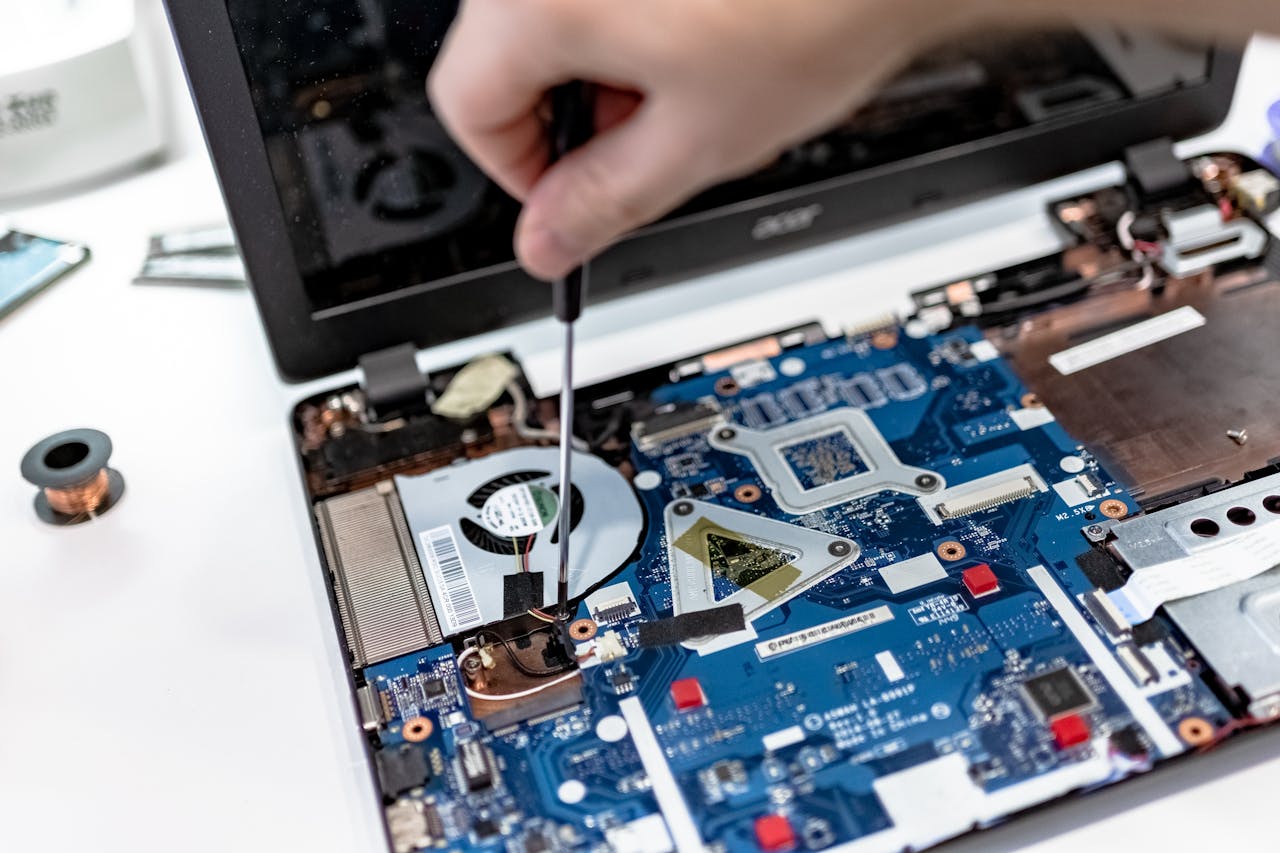
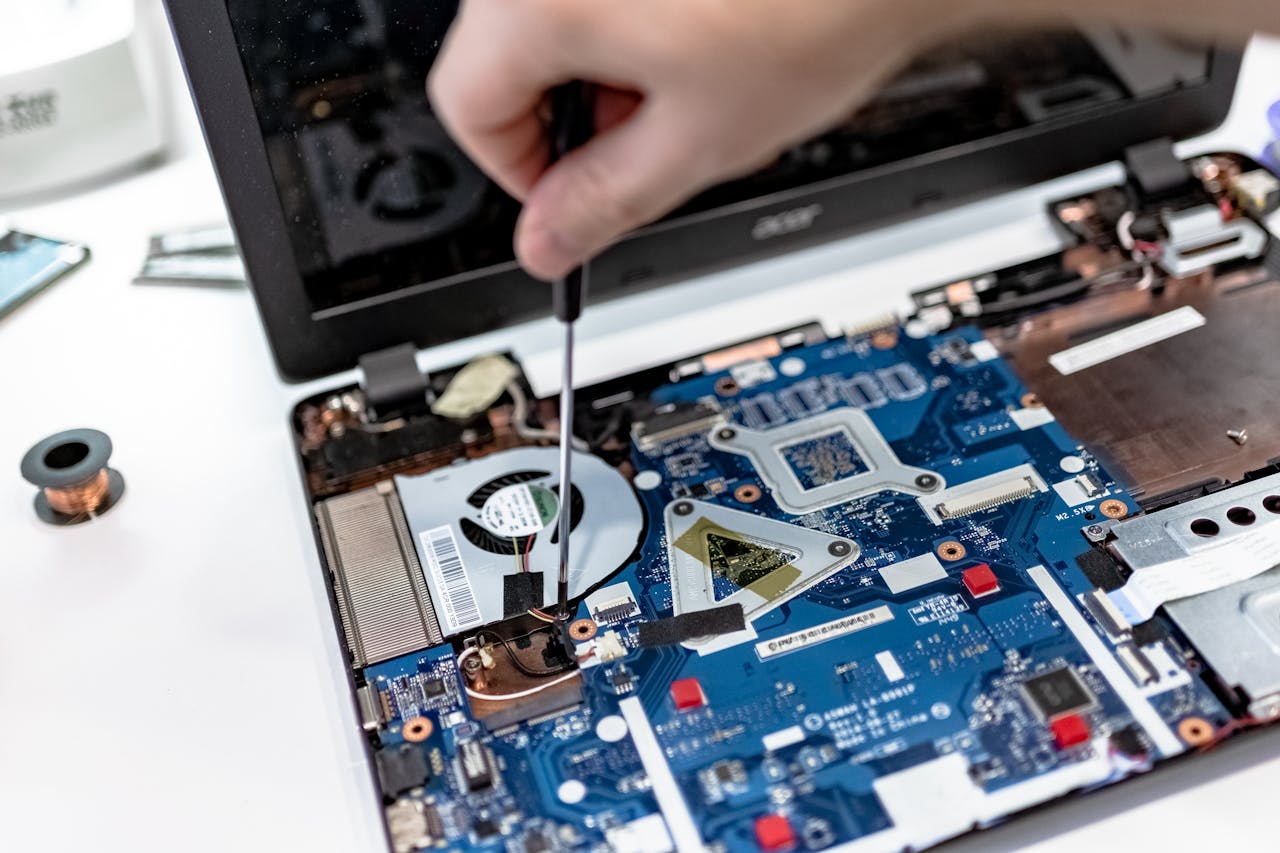
Opening a machine is not appropriate for everyone, particularly with laptops where components can be delicate. A PC repair Coalville service can inspect cooling, hardware condition and system temperatures as part of a wider diagnosis.
Faulty RAM Can Make Crashes Look Completely Random
Your computer uses RAM as short-term working memory. Windows, programmes and open files constantly move information through it. When memory develops a fault, the resulting crashes can appear random because the faulty area may only be used at certain times.
A computer with RAM problems might run normally for an hour and then crash. You may see different Windows stop codes on different occasions. Programmes can close unexpectedly, files may fail to open correctly or the computer may restart for no obvious reason.
That inconsistency often makes memory faults frustrating to identify. People may assume Windows is the problem because the errors keep changing, when the underlying cause is physical memory.
Memory testing can help, but one successful quick test does not always rule out every problem. A proper investigation may involve testing memory for longer, checking individual modules and looking for other signs of hardware instability.
If your computer keeps crashing with different errors each time, RAM is one of several components worth testing rather than immediately reinstalling Windows.

A Failing SSD Or Hard Drive Can Cause Serious Problems
Your storage drive contains Windows, your programmes and usually your personal files. If an SSD or hard drive begins to fail, the computer may struggle to read information correctly. That can lead to freezing, slow startup, error messages and crashes.
Storage faults do not always begin with total drive failure. You might notice programmes taking much longer to open, Windows becoming unusually slow, files refusing to load or the computer hanging while performing ordinary tasks.
Traditional hard drives may also develop unusual clicking or mechanical noises. If that happens, avoid repeatedly restarting the computer or running unnecessary tests. Important files could be at risk, and further use may make data recovery more difficult.
An SSD does not normally give the same mechanical warning because it has no moving parts. Its failure can therefore appear more sudden. Drive health information, error logs and diagnostic testing can help establish whether storage is responsible.
If important photographs, documents or business files are stored on a computer that is becoming unreliable, backing them up should take priority where the drive is still readable. For a failing or inaccessible machine, Computer repairs in Coalville can assess the fault and whether data recovery may be possible.

Viruses And Malware Can Affect Computer Stability
Malware can interfere with normal computer operation in several ways. Some unwanted programmes run continuously in the background, use processor time or memory, change Windows settings or interfere with legitimate software.
A virus is therefore one possible explanation when a previously healthy computer becomes slow, unstable or starts behaving strangely. Other warning signs can include unexpected pop-ups, unfamiliar programmes, browser changes or unusually high system activity when you are doing very little.
But a crashing computer should not automatically be blamed on a virus. The same symptoms can come from Windows problems, failing hardware or software conflicts. Proper computer virus removal should begin by checking what is actually happening rather than installing several different security programmes and hoping one solves it.
Running more than one security product at the same time can sometimes create additional problems because the programs may interfere with each other. Use a reputable security solution and investigate anything it finds before assuming the computer is clean or infected.
Driver Problems Can Cause Windows To Crash
Drivers allow Windows to communicate with hardware such as graphics cards, network adapters, printers, sound devices and storage controllers. A damaged, incompatible or troublesome driver can make the operating system unstable.
Graphics drivers are a common example because they are heavily used when playing games, running design software or displaying video. Network, storage and chipset drivers can also cause problems.
If your computer keeps crashing after a new device was connected or a driver was changed, that event provides a useful starting point. Check the computer or component manufacturer’s support information for the correct driver rather than downloading drivers from unknown websites.
Do not assume that the newest driver must always be the right answer. Occasionally a newly released driver itself causes problems. If instability started immediately after an update, rolling back to the previous working version may be part of the diagnosis.
Repeated Windows crashes involving drivers can become difficult to separate from hardware faults. Local computer repair in Coalville can investigate both sides of the problem rather than treating every crash as a software issue.
Power Supply And Other Hardware Faults Can Cause Unexpected Restarts
A desktop computer needs a stable power supply. If its power supply unit begins to fail, the machine may restart or shut down without warning, particularly when the processor or graphics card draws more power.
This can look very different from a normal Windows crash. Instead of displaying an error message, the screen may simply go black and the computer immediately restart. Similar behaviour can occur with motherboard faults, graphics problems or other failing components.
Laptops have their own power-related possibilities, including battery, charging and internal hardware faults. A damaged charger or loose connection may be obvious, but internal electrical problems usually require proper testing.
If your computer keeps crashing with sudden power loss, avoid repeatedly replacing software or reinstalling Windows without evidence. Software cannot repair a failing power supply or damaged motherboard.
Running Out Of Storage Or System Resources Can Make A PC Unreliable
A computer does not need to have a broken component to become unstable. Very low free storage, too many background programmes or insufficient memory for the work being performed can make Windows and applications struggle.
Check how much free storage is available and look at Task Manager while the computer is being used normally. If memory, processor or disk usage remains extremely high, find out which programme is responsible rather than simply closing random processes.
An older computer may still be perfectly repairable. An SSD upgrade, additional memory or a clean-up of unnecessary software can sometimes improve computer performance considerably. But upgrades should solve a real limitation. Adding memory will not fix a faulty power supply, and a new SSD will not solve overheating.
This is why diagnosis matters. If your computer keeps crashing as well as running slowly, deal with the stability problem before spending money purely to make it faster.
How To Diagnose A Computer That Keeps Crashing
Start with the simplest evidence. Note exactly what happens when the crash occurs. Does Windows freeze? Does the screen go black? Does the computer restart? Is there an error code? Does only one application stop working?
Next, think about timing. If the fault appeared after new hardware, a Windows update or software installation, investigate that change first. If the problem has gradually become worse, heat, storage condition, malware or ageing hardware may deserve more attention.
Check that important files are backed up before carrying out significant repair work. This is especially important if the computer is freezing during file access, making unusual noises or showing signs of storage failure.
Basic checks can include Windows updates, manufacturer driver updates, available disk space, virus scans and obvious signs of overheating. Avoid making multiple major changes at once. If the computer becomes stable, you need to know which action actually solved it.
When the fault continues, proper computer diagnostics can save time. A Computer repair Coalville specialist can test hardware and software systematically instead of repeatedly applying fixes to symptoms.
When Should You Get A Crashing Computer Repaired?
You do not need professional help every time a programme closes unexpectedly. But repeated system crashes should not simply become something you accept.
Repair is worth considering when the computer crashes several times a week, restarts without warning, becomes excessively hot, displays repeated Windows errors or contains important files you cannot safely access. Strange hardware noises and a computer that sometimes fails to start are also reasons to investigate promptly.
For home users, a crashing PC can put photographs, documents and personal files at risk. For a small business, the same problem can interrupt email, accounts, customer records and normal day-to-day work.
The aim of good laptop repair or PC repair is not automatically to sell you a replacement. The useful question is whether the fault can be identified and repaired economically. Sometimes a software repair, component replacement or sensible upgrade can give an existing computer years of additional use.
At other times, particularly when several major components are ageing or the computer cannot run a supported operating system, replacement can make more sense. Proper diagnosis gives you enough information to make that decision.
FAQ on Computer keeps crashing
Why does my computer keep crashing without warning?
A computer can crash without warning because of overheating, faulty RAM, storage problems, Windows errors, troublesome drivers or failing hardware. Note whether it freezes, restarts or shuts down completely. Those differences help with computer troubleshooting. If crashes continue after basic Windows and software checks, professional PC repair and hardware diagnostics may be needed.
Can a computer that keeps crashing be repaired?
Yes, in many cases. A computer keeps crashing because something is unstable, but that does not automatically mean the whole machine needs replacing. Laptop repair or PC repair might involve fixing Windows problems, replacing faulty memory or storage, improving cooling, removing malware or carrying out a suitable upgrade after the real cause has been diagnosed.
Can a virus make my computer keep crashing?
Yes. Viruses and malware can use system resources, interfere with Windows and cause software or performance problems. However, crashes alone do not prove that a computer is infected. Virus removal should form part of wider computer diagnostics, particularly if you also notice pop-ups, unfamiliar software, browser changes, slow performance or unusual background activity.
Why does my computer crash when it gets hot?
High temperatures can make processors, graphics hardware and other components unstable. Blocked vents, dust, failed fans or poor cooling may be responsible. If a laptop or PC becomes extremely hot before crashing, avoid repeatedly pushing it under heavy load. Cooling should be checked, cleaned or repaired before prolonged overheating creates further hardware problems.
Should I repair or replace a computer that keeps crashing?
That depends on the cause, age and overall condition of the computer. A Windows problem, failing SSD, memory fault or cooling issue may justify repair. If several major components are ageing, upgrades are uneconomical or data recovery is the main concern, replacement may be better. A proper diagnosis should come before deciding.
Useful Guides
Slow Computer? 7 Common Reasons Your PC Is Running Slowly
Computer Not Connecting to Internet? Common Causes
Computer Keeps Freezing? Why It Happens and What to Do