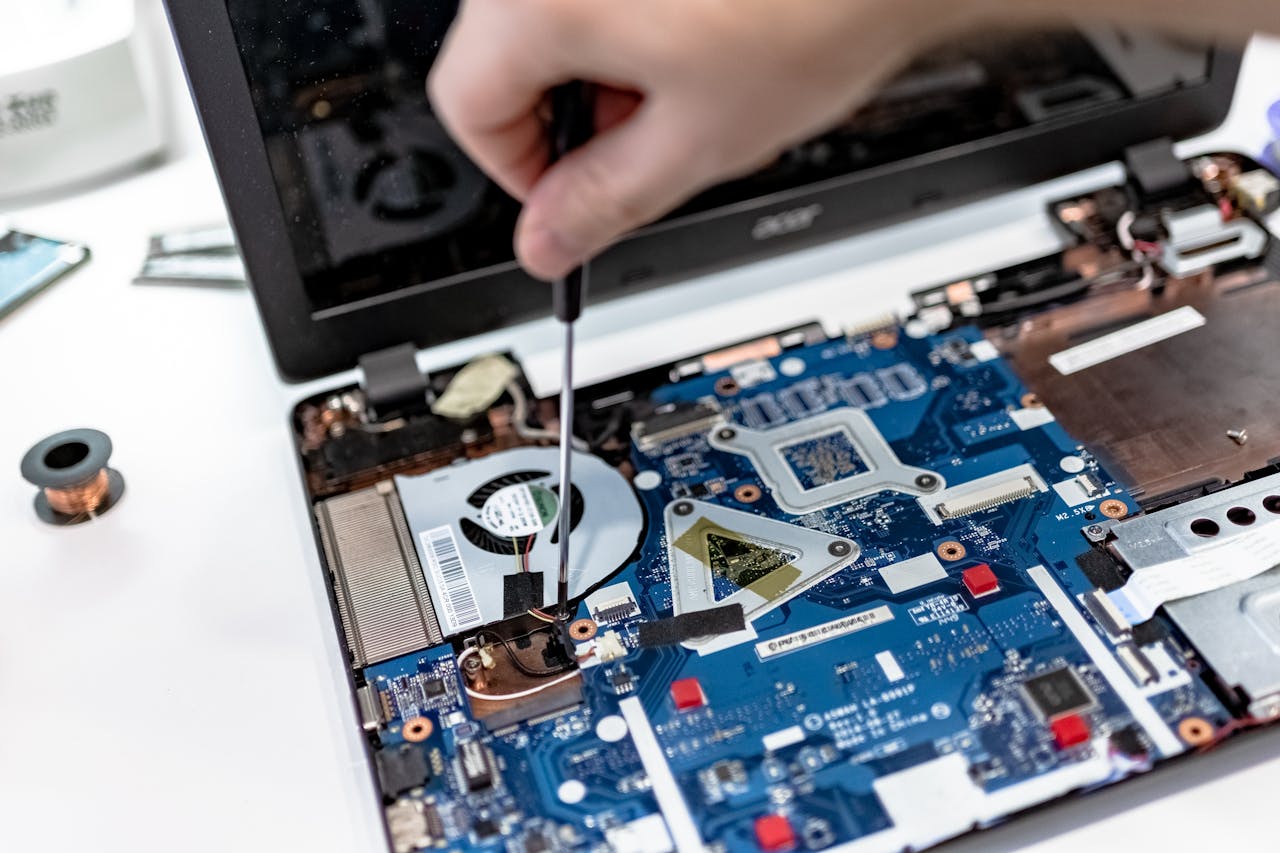
A slow computer can turn a simple five-minute job into something that takes half an hour. Programs take ages to open, websites struggle to load, Windows seems to think about everything before responding, and sometimes the whole PC appears to freeze for no obvious reason.
The frustrating part is that there is rarely one universal cause. A computer running slowly could be struggling with too many programs, limited storage, ageing hardware, malware, Windows problems or even overheating. Finding the actual cause matters because simply deleting a few files or restarting the computer may only hide the problem temporarily.
The good news is that many slow computers can be improved considerably. The important thing is working out what is making the machine slow before spending money on unnecessary parts or replacing a computer that could still have years of useful life left.
Here are seven of the most common reasons your PC may be running slowly and what you can do about them.
1. Too Many Programs Are Running in the Background
One of the most common causes of a slow computer is simply having too much running at the same time. You might only see a browser and an email program on the screen, but Windows can have dozens of other processes working quietly in the background.
Many programs automatically start when you switch on your PC. Cloud storage software, messaging applications, printer utilities, update services and other programs can all use memory and processing power before you have opened anything yourself.
Over time, more software gets installed and the startup list grows. The computer may then become noticeably slower from the moment Windows loads.
Open Task Manager in Windows and look at the Startup apps and Processes sections. This can help identify programs using large amounts of memory, processor or disk resources. However, do not simply disable everything you do not recognise. Some background processes are needed by Windows, security software or hardware drivers.
If your PC has gradually become slower and you are unsure what is safe to remove, professional Computer repair Coalville can help identify unnecessary software without removing programs or services the computer actually needs.
2. Your Hard Drive or SSD Is Running Out of Space
Computers need free storage space to work efficiently. When a drive becomes extremely full, Windows has less room for temporary files, updates and other everyday operations. That can contribute to poor computer performance.
Photos, videos and downloads are obvious space users, but they are not always the whole problem. Old Windows update files, temporary files, unused applications and forgotten backups can consume a surprising amount of storage.
Check the Storage section within Windows Settings to see what is using the available space. Removing genuinely unwanted files and applications can help, but important documents should be backed up before carrying out a major clean-up.
Microsoft’s guidance on improving Windows performance also recommends checking available disk space when investigating a slow PC.
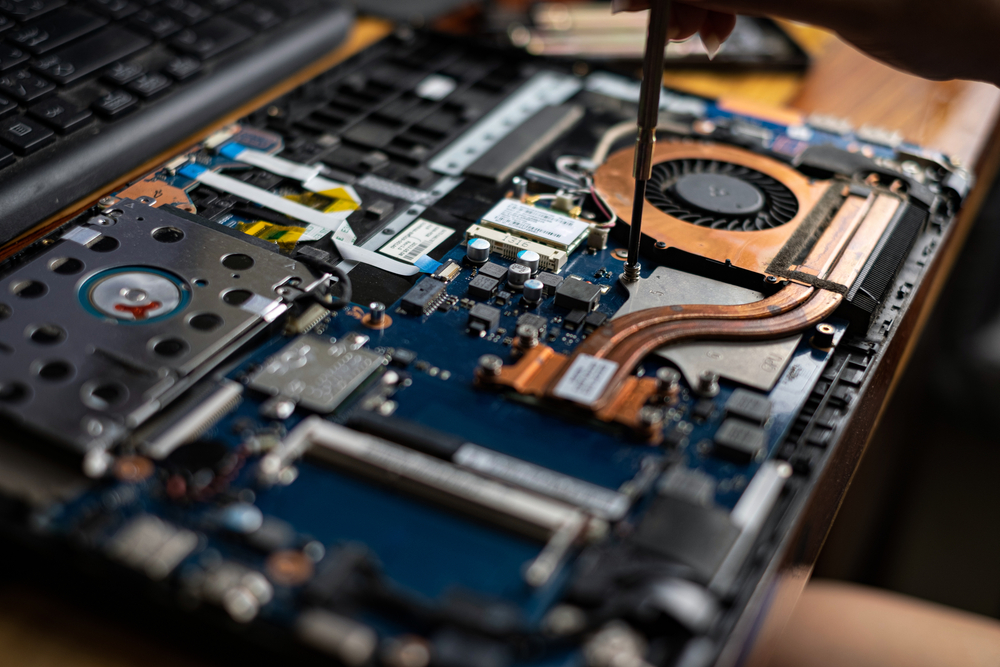
If storage is constantly running short, simply deleting files every few weeks is not always the best answer. A larger SSD or another suitable storage upgrade may provide a more permanent solution. A PC repair Coalville specialist can check the existing drive, its condition and whether an upgrade makes financial sense.
3. Your Computer Does Not Have Enough RAM
RAM is the short-term working memory your computer uses while programs are running. If there is not enough available, the machine has to work much harder when you switch between applications or open several browser tabs.
This often shows up as a slow computer that works reasonably well with one program open but becomes painfully sluggish as soon as you start multitasking.
Modern web browsers can use a substantial amount of memory, particularly when lots of tabs are open. Video calls, large spreadsheets, photo software and other demanding applications can add to the problem.
Task Manager can show how much memory is being used. If memory usage regularly sits close to its maximum during normal use, additional RAM may help. But an upgrade should not be the automatic answer. High memory usage can also be caused by badly behaving software or too many unnecessary programs.
A proper computer diagnostic check can establish whether more RAM would genuinely improve performance. For laptops, it is also important to check whether the memory can actually be upgraded because some newer machines have RAM permanently attached to the motherboard.
For a laptop that becomes slow whenever several programs are open, Laptop repair Coalville can determine whether the problem is memory, software or another hardware limitation.
4. Your Computer Is Still Using an Old Mechanical Hard Drive
If an older PC or laptop still uses a traditional mechanical hard drive, this can be one of the biggest reasons it feels slow.
A hard disk drive contains moving parts. A solid-state drive, usually called an SSD, stores data electronically and can access it much faster. The difference can be particularly noticeable when starting Windows, opening programs and accessing files.
This is why an older computer can sometimes feel dramatically better after an SSD upgrade even though the processor and other main components remain unchanged.
However, an SSD is not a cure for every slow computer. If the processor is extremely old, the machine has insufficient RAM or there are other hardware problems, replacing the drive alone may not deliver the improvement you expect.
The condition of an existing hard drive matters too. A drive beginning to fail can cause extremely slow loading, freezing, errors and problems accessing files. Strange clicking or repeated mechanical noises from a traditional hard drive should not be ignored.
If important files are stored on a machine showing possible drive failure, avoid repeatedly restarting it or running unnecessary repair tools. Protecting the data should come first. Computer repairs in Coalville can include drive diagnostics, SSD upgrades and advice about data recovery where required.

5. Malware or Unwanted Software Is Slowing the Computer Down
Not every slow computer has a virus, but malware and unwanted software can cause serious performance problems.
Warning signs can include unexpected pop-ups, browser redirects, unfamiliar programs, excessive advertising, changed browser settings or unusually high processor and network activity. In other cases, the only obvious symptom is that the PC has suddenly become much slower.
Run a security scan using reputable, up-to-date security software. Windows Security can detect many common threats, but persistent problems may require a more thorough investigation.
Be particularly careful with pop-ups claiming that your computer has hundreds of problems and needs an immediate paid clean-up. Some unwanted programs deliberately use alarming messages to persuade users to install more software or pay for unnecessary services.
Virus removal is not just about deleting an infected file. It can also involve checking browser extensions, startup items, scheduled tasks and other changes made to Windows. If suspicious behaviour continues after a normal scan, Computer repair Coalville can investigate whether malware or unwanted software is affecting the machine.

6. Windows or Your Software Has Developed Problems
Sometimes the hardware is perfectly capable but Windows itself is struggling.
Failed updates, damaged system files, software conflicts and faulty drivers can all affect computer performance. You may notice programs freezing, unusually long startup times, error messages or Windows becoming unresponsive.
Restarting the computer is worth trying because it clears temporary processes and completes some pending updates. Check Windows Update as well, particularly if the problem began after the computer had not been used for a while.
But repeated crashes, failed updates or persistent errors need more than a routine restart. Continually forcing the machine to switch off can potentially create further problems, particularly if Windows is writing data at the time.
Computer troubleshooting should focus on when the problem started and what changed immediately beforehand. A new program, Windows update, driver or peripheral can provide an important clue.
When the cause is unclear, Local computer repair in Coalville can diagnose Windows problems and software faults before recommending repairs or replacement hardware.
7. Your Computer Is Overheating
Heat is an easily overlooked cause of a slow computer. Processors are designed to protect themselves when temperatures become excessive. One way they can do this is by reducing performance.
Dust can gradually collect inside a desktop or laptop and restrict airflow. Cooling vents can become blocked, fans can become inefficient and older thermal materials may no longer transfer heat as effectively as they once did.
Common warning signs include fans running loudly for long periods, a laptop becoming unusually hot, sudden slowdowns during demanding tasks or the computer shutting itself down.
Do not use a laptop on a bed, cushion or other soft surface that blocks its ventilation openings. A flat, hard surface normally allows better airflow.
If a machine is overheating internally, opening it without the right tools can cause damage, particularly with modern laptops where cables, connectors and plastic clips may be delicate.
A computer that regularly overheats should be inspected rather than simply tolerated. Cleaning the cooling system and checking the fans can sometimes restore normal performance and may also help prevent longer-term hardware damage.
How to Fix a Slow Computer Without Guessing
If you want to know how to fix a slow computer, start with the symptoms rather than randomly changing settings.
Think about when it is slow. Is Windows slow from the moment the PC starts? Does the problem only appear when several programs are open? Is browsing slow while everything else works normally? Does the machine freeze, overheat or make unusual noises?
Those differences matter. Slow websites could point towards WiFi or internet connection problems rather than the computer itself. A machine that slows down when multitasking may need more memory. Extremely slow startup could indicate excessive startup programs, Windows problems or a struggling storage drive.
You can safely begin by restarting the computer, checking available storage, reviewing unnecessary startup applications, installing legitimate Windows updates and running a security scan. Back up important files before making significant changes.
Avoid installing several different so-called PC cleaners or optimisation programs in the hope that one will fix the problem. Adding more software can make diagnosis harder and, in some cases, make performance worse.
Can a Slow Computer Be Repaired?
Yes. Many slow computers can be repaired or upgraded without replacing the entire machine.
The right solution depends on the cause. An SSD upgrade can transform some older PCs. Additional RAM can improve machines struggling with everyday multitasking. Malware removal can restore performance when unwanted software is consuming resources. Windows repair may solve problems where the hardware itself is still perfectly usable.
But repair needs to make financial sense. A very old computer with several failing components may not justify significant spending. In that situation, the sensible recommendation may be replacement rather than continuing to pay for individual repairs.
A proper diagnosis gives you the information needed to decide. It separates a straightforward performance problem from a machine approaching the end of its practical life.
Should You Repair or Replace a Slow PC?
Age alone should not decide whether you repair or replace a computer. Look at what the machine needs to do, its overall condition and the cost of putting it right.
If the computer is otherwise reliable and only needs an SSD, extra memory or a manageable Windows repair, keeping it may be considerably cheaper than buying a new machine.
Replacement becomes more sensible when several major components are failing, the computer cannot support the software you need, or the repair and upgrade costs are too high compared with a suitable replacement.
Before replacing a computer because it feels slow, find out why it is slow. You may discover that the underlying problem is much smaller than expected.
Frequently Asked Questions About Slow Computers
Why is my computer running so slowly?
A computer running slowly may be short of storage or memory, running too many background programs, suffering from Windows problems or using an ageing hard drive. Malware and overheating can also reduce performance. Start by checking Task Manager, available storage and Windows updates. If the cause remains unclear, a computer diagnostic check can identify the underlying problem.
Why is my laptop running slowly?
A slow laptop can be caused by limited RAM, a nearly full drive, unnecessary startup programs, overheating or an older mechanical hard drive. Check whether the problem happens all the time or only when several applications are open. Laptop repair may be worthwhile if diagnostics show that an SSD, memory upgrade or Windows repair would restore useful performance.
How do I speed up a slow computer?
Restart the PC, remove unnecessary startup programs, check free storage space, install legitimate Windows updates and run a security scan. Avoid installing multiple PC cleaning tools, as these can add more background processes. If the computer remains slow, diagnostics can establish whether the cause is software, insufficient memory, overheating or a storage drive that needs replacing.
Can a slow computer be repaired?
Yes. Many slow computers can be repaired successfully. The solution might involve Windows repair, virus removal, removing unwanted software, increasing RAM or replacing an old hard drive with an SSD. The important step is diagnosing the cause first. A PC repair specialist can then explain whether an upgrade is worthwhile or whether replacement would make better financial sense.
How do I know if my computer has a virus?
Possible signs include sudden slow performance, pop-ups, browser redirects, unfamiliar applications, changed settings or unusually high processor activity. However, these symptoms can also have other causes. Run an up-to-date security scan first. If suspicious behaviour continues, professional virus removal can check for malware, unwanted browser extensions and other changes that a basic scan may have missed.
Why does my computer keep crashing or freezing?
Repeated crashes or freezing can come from Windows problems, faulty drivers, overheating, failing storage, memory faults or damaged software. Note what you were doing immediately before each crash, as this can help diagnosis. If the problem happens regularly, avoid repeatedly forcing the computer off. PC repair diagnostics can test both software and hardware for the underlying fault.
Why won’t my laptop connect to WiFi?
WiFi issues can be caused by the router, Windows network settings, a faulty driver or the laptop’s wireless hardware. First check whether other devices can connect to the same network. Restart the laptop and router, then check Windows networking. If only the laptop has the problem, laptop troubleshooting can establish whether software or the WiFi hardware needs repair.
Is it worth repairing an old laptop?
It depends on its condition, specification and the repair cost. An older laptop that only needs an SSD, extra memory or a straightforward Windows repair may still provide several years of useful service. If it has multiple hardware problems or cannot run the software you need, replacement may be better. A diagnostic check helps avoid unnecessary spending.
Can files be recovered from a broken computer?
Often, yes. Data recovery depends on what has failed and whether the storage drive itself is damaged. If a computer will not start, the files may still be intact. If the drive is making unusual noises or repeatedly disappearing, stop unnecessary attempts to access it. Continued use can make some failures worse and reduce the chances of successful recovery.
When should I take my computer to a repair specialist?
Consider professional computer repair when a PC repeatedly crashes, will not start, overheats, loses data, shows signs of malware or remains slow after basic checks. You should also seek help if important files may be at risk. Proper diagnostics can identify whether you need software repair, virus removal, an upgrade, data recovery or replacement hardware.
Useful computer guides
Computer Not Connecting to Internet? Common Causes
Computer Keeps Freezing? Why It Happens and What to Do
Computer Won’t Turn On? What Could Be Causing the Problem?