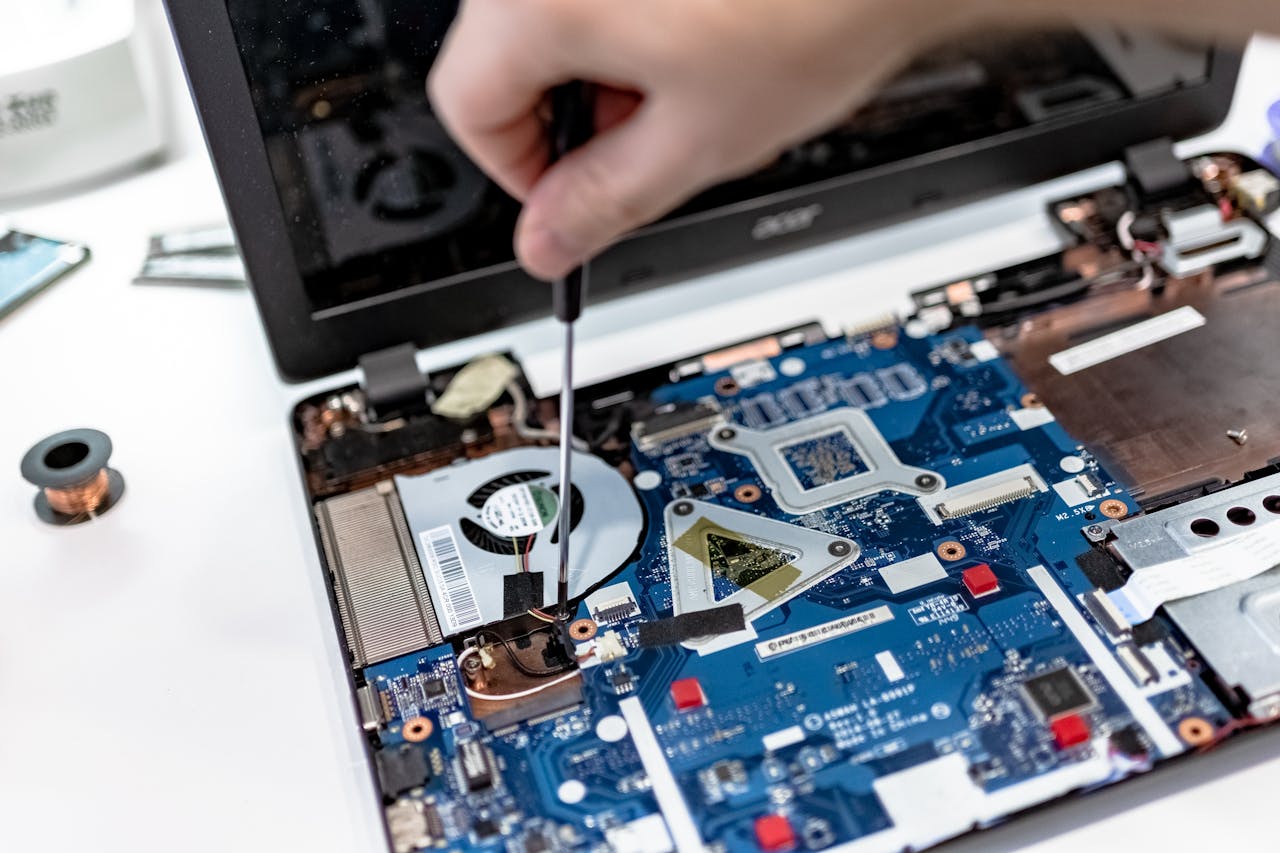
If you have a computer not connecting to internet services, the problem can quickly become frustrating. Email stops working, websites will not load, cloud files become unavailable and everyday jobs suddenly take much longer. The good news is that many internet connection problems come from a fairly small number of causes.
A computer not connecting to internet services may have a fault with WiFi, the router, Windows settings, the network adapter, security software or the computer itself. The quickest way forward is to work through the problem in a sensible order rather than changing lots of settings at once.
This guide explains what to check, what the symptoms can tell you and when it may be worth getting help from a Computer repair Coalville specialist.
Why is your computer not connecting to internet services?
With a computer not connecting to internet services, there is usually a break somewhere between the computer and the wider internet. That break could be inside the computer, between the computer and router, or between the router and your broadband provider. Microsoft Support recommends checking your network connection, restarting your equipment and using Windows troubleshooting tools when internet connection problems occur.
The first useful question is simple: is the problem affecting only one device, or everything in the property? If phones, tablets and other computers are also offline, the router or broadband connection is more likely to be the cause. If every other device works normally, the problem is probably local to the affected PC or laptop.
That distinction matters because it stops you wasting time when dealing with a computer not connecting to internet services. Restarting Windows repeatedly will not fix a broadband outage. Equally, changing router settings is unlikely to help if a laptop has a damaged WiFi adapter or corrupt network driver.
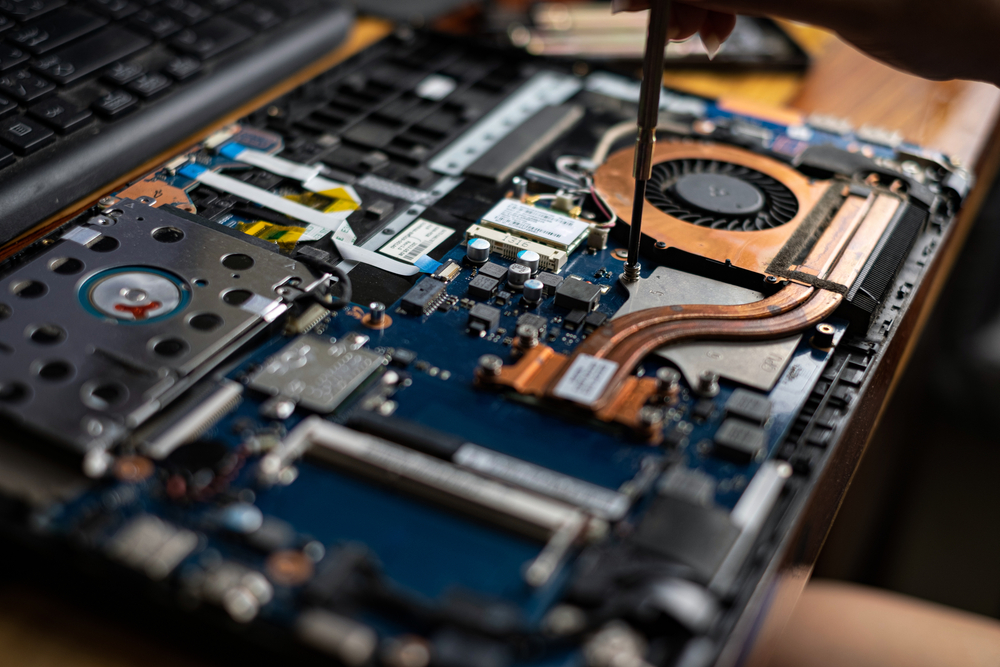
Common causes of a computer not connecting to internet
A computer not connecting to internet services can have several causes, but some are far more common than others. WiFi may have been switched off accidentally. The computer may be trying to connect to the wrong wireless network. The saved WiFi password may be out of date. A router may have stopped responding correctly.
Windows problems can also interfere with a connection. A failed update, damaged network driver or altered network setting can prevent a computer from communicating properly. Security software can sometimes block network traffic after an update or configuration change. On older machines, the WiFi hardware itself may be failing.
For a computer not connecting to internet services, physical connections are another possibility. Desktop PCs using Ethernet can lose internet access because of a damaged cable, loose plug or faulty router port. If you need help separating a network fault from a wider computer problem, PC repair Coalville support can diagnose both hardware and Windows-related causes.
What should you check first?
For a computer not connecting to internet services, start with the simplest checks. Confirm that WiFi is turned on and aeroplane mode is off. Look at the network icon in Windows and see whether the computer can detect nearby wireless networks.
Next, try another device on the same connection. If your phone also cannot get online, restart the router and allow it several minutes to reconnect fully. If other devices work, restart the affected computer. A simple restart can clear a temporary software or network service problem.
If you use WiFi, disconnect from the wireless network and reconnect. Make sure you are choosing the correct network name. If Windows reports that the password is wrong, re-enter it carefully. If the password has recently been changed on the router, the computer may still be storing the old details.
For a desktop PC using a cable, check both ends of the Ethernet cable. Try another cable or another router port if one is available. These basic checks often resolve the problem without deeper computer troubleshooting or local computer repair in Coalville.
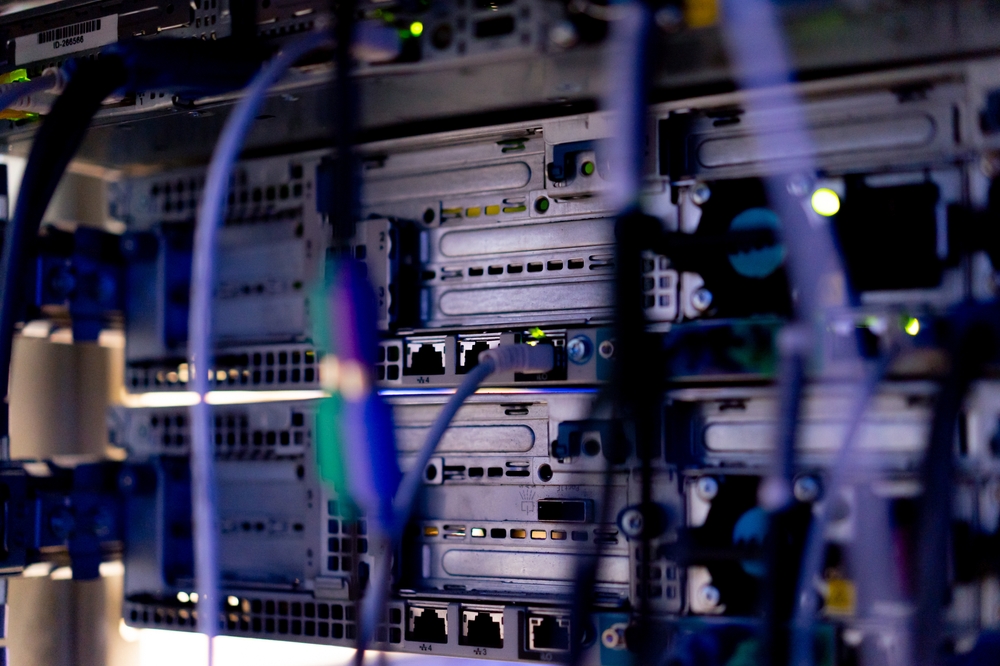
Is it a WiFi problem or an internet problem?
With a computer not connecting to internet services, remember that WiFi and internet access are not the same thing. Your computer can be connected to WiFi while still having no internet access. WiFi is simply the wireless connection between your device and router. The router then needs a working broadband connection to reach the internet.
If Windows says you are connected but websites still do not load, check whether other devices have the same problem. If they do, the broadband service or router is the likely cause. If only one computer is affected, the issue is more likely to involve Windows, the network adapter, DNS settings or security software.
If a laptop not connecting to WiFi cannot even see your network, move it closer to the router and check whether other WiFi networks appear. If no wireless networks appear at all, the WiFi adapter may be disabled, its driver may have failed, or the hardware may have developed a fault.
A laptop repair service can check whether a repeated WiFi issue is being caused by Windows software, drivers or the laptop’s wireless hardware.

Can Windows settings stop a computer connecting?
Yes. A computer not connecting to internet services can be caused by damaged or incorrect Windows network settings. This sometimes happens after an update, software installation, driver change or security problem.
Windows includes built-in network troubleshooting tools, and these are worth trying before making manual changes. You can also forget the WiFi network and reconnect to it from scratch. This removes the saved wireless profile and forces Windows to create a new connection using the current password and settings.
Network adapter drivers are another common area to check. The driver allows Windows to communicate with the WiFi or Ethernet hardware. If it becomes damaged, outdated or incorrectly replaced, the computer may lose connectivity even though the network itself is working normally.
If the problem started after a Windows update or the network adapter disappears from Device Manager, deeper diagnosis may be needed. Computer repairs in Coalville can help identify whether the issue is a driver fault, Windows problem or failing hardware rather than guessing and changing settings at random.

When could the computer itself be faulty?
Sometimes a computer not connecting to internet services is the only faulty device and the network itself is fine. This is more likely when every other device connects normally, but one PC or laptop repeatedly drops offline, cannot detect networks or refuses to connect after restarts.
On laptops, internal WiFi cards and aerial connections can fail. On desktop PCs, Ethernet ports and separate wireless adapters can also develop faults. Hardware problems can be intermittent, which is why a machine may connect one day and fail the next.
Other computer problems can contribute too. A slow computer may take so long to start background services that the network appears broken. Severe Windows problems, failing storage drives or damaged system files can create connection symptoms alongside freezing, crashing or poor performance.
If you have a computer not connecting to internet services and it is also running slowly, crashing or showing Windows errors, it makes sense to look at the whole machine rather than treating the connection fault in isolation. A Computer repair Coalville diagnosis can check the wider condition of the PC or laptop.
Can viruses or security software affect internet access?
Yes. Malware can alter network settings, redirect web traffic, interfere with browsers or damage parts of Windows. Some infections also install unwanted software that makes the computer extremely slow and unreliable.
Security software can occasionally cause a similar symptom for a different reason. A firewall or antivirus program may block a browser, application or network connection after an update. Turning security protection off permanently is not a sensible fix, especially if you are unsure what caused the problem.
If the internet problem appeared alongside pop-ups, unfamiliar programs, browser redirects or unusual warnings, the computer may need a proper malware check. Virus removal should deal with the infection and any changes it has made rather than simply restoring the connection temporarily.
Where a computer not connecting to internet services is linked with suspicious behaviour, computer repair service in Coalville can investigate the connection problem while also checking the machine for malware and Windows damage.
When should you stop troubleshooting and get help?
With a computer not connecting to internet services, basic checks are useful, but there is a point where repeated trial and error can make things worse. If you have restarted the router and computer, confirmed other devices work, checked WiFi or Ethernet and reconnected to the network without success, the cause may need proper diagnosis.
Professional help is also sensible if the network adapter is missing, Windows is reporting repeated errors, the connection keeps dropping, or the problem returns after temporary fixes. The same applies if the computer is slow, freezing, crashing or showing signs of malware at the same time.
A good repair process should identify the cause before recommending parts, upgrades or major Windows work. That matters because a simple driver issue should not lead to unnecessary hardware replacement, while a failing WiFi adapter should not be treated as a broadband problem.
If you are dealing with a persistent computer not connecting to internet problem, Computer repair Coalville support can test the machine, explain what is wrong in clear terms and advise on the most practical repair.
Computer not connecting to internet FAQs
Why won’t my computer connect to the internet when other devices can?
If you have a computer not connecting to internet services while other devices connect normally, the fault is probably on the affected computer rather than with your broadband. Common causes include disabled WiFi, a damaged network driver, incorrect Windows settings, security software or failing network hardware. Try restarting the computer and reconnecting first. If the problem continues, computer diagnostics may be needed to identify the cause.
Why won’t my laptop connect to WiFi?
A laptop not connecting to WiFi may have wireless turned off, an incorrect saved password, a damaged WiFi profile, driver problems or a failing wireless adapter. Check that other devices can see the same network and restart the laptop. If no networks appear at all, laptop repair may be needed to test the wireless hardware and Windows settings.
Why does my computer keep losing its internet connection?
Repeated dropouts can come from weak WiFi, router problems, power-saving settings, network driver faults or failing hardware. Compare the computer with other devices in the same location. If only one machine keeps disconnecting, the PC is the likely source. PC repair can check drivers, Windows problems and the network adapter before parts are replaced unnecessarily.
Can a virus stop my computer connecting to the internet?
Yes. A computer not connecting to internet services can sometimes be affected by malware that changes browser, DNS, proxy or other network settings. Warning signs include pop-ups, redirects, unfamiliar programs or sudden poor performance. Virus removal should include checking the computer for unwanted software and repairing any Windows or network settings changed by the infection, not simply restoring access temporarily.
Should I reset Windows if my computer will not connect?
Usually not as a first step. A full Windows reset is a major change and may be unnecessary for a simple network fault. Start with WiFi, router, cable and network-driver checks. If Windows problems are suspected, targeted repair is normally better. Professional computer troubleshooting can confirm the cause before you risk losing programs, settings or important data.
Is it worth repairing an older computer with WiFi problems?
Often, yes. An older computer with WiFi issues may only need a driver repair, replacement wireless adapter or another modest fix. Its overall condition matters too. If the machine is also very slow, unreliable or short on storage, upgrades may be worth considering. A repair assessment can compare likely costs with replacing the computer altogether.
Can my files be recovered if the computer has a bigger fault?
In many cases, yes. If a computer stops connecting because of a wider Windows or hardware problem, your files may still be intact on the storage drive. Data recovery options depend on the condition of that drive and the nature of the fault. Avoid repeated risky repairs if important files are involved, as this can complicate recovery.
When should I take the computer to a repair specialist?
Get help when basic checks do not work, the network adapter disappears, Windows reports repeated errors, the connection keeps dropping or the machine has other symptoms such as freezing or slow performance. A repair specialist can test software and hardware together, rule out WiFi issues, check for malware and recommend repair, upgrades or data recovery where needed.
Useful computer guides
Slow Computer? 7 Common Reasons Your PC Is Running Slowly